
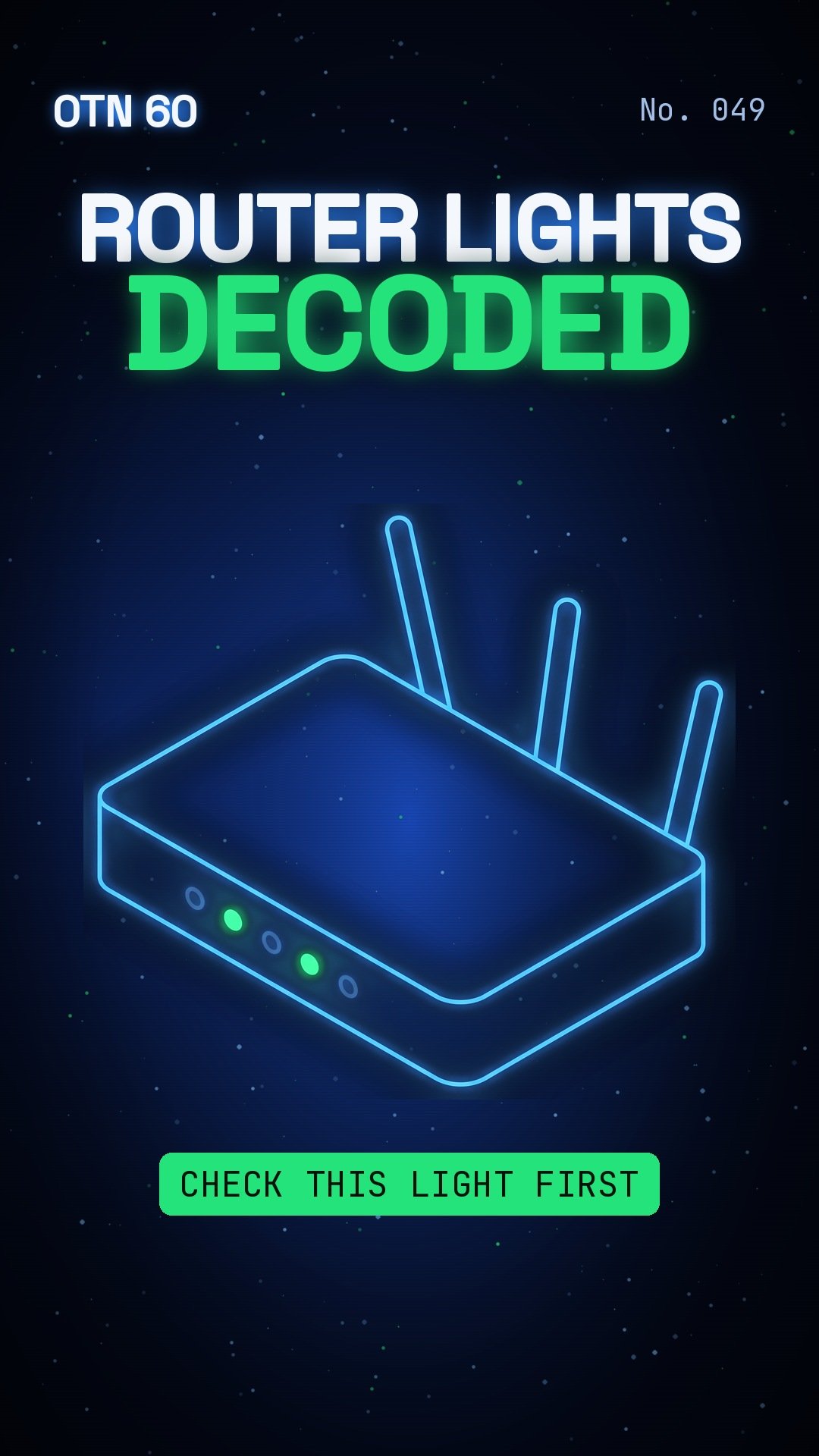
Your router’s lights are telling you something.
By Gene B. Geraissati, Founder & Tech Curator | OTN 60 video
What happened
Most Netgear routers have a row of small lights. The power light should be solid white or green. If it’s blinking amber, the router is usually updating, so don’t unplug it. But the light to watch is the internet light.
Why it matters
If the internet light is off, the cable between your modem and your router is loose or unplugged. If it’s amber, the router sees the modem but may not be online yet. Blinking white or green is good news: data is moving.
OTN take
Our take: this is Netgear’s own guidance, and colors can vary by model. When your internet stops, check the internet light first, then the cable, then restart the modem and the router. That often fixes it.
More headlines every day on the OTN Live Wire.
Sources
Video images: OTN / AI-generated with Google Flow.
Editorial transparency: This article was drafted with generative AI under personal editorial direction. On Tech Now is responsible for its final review, accuracy and publication.