
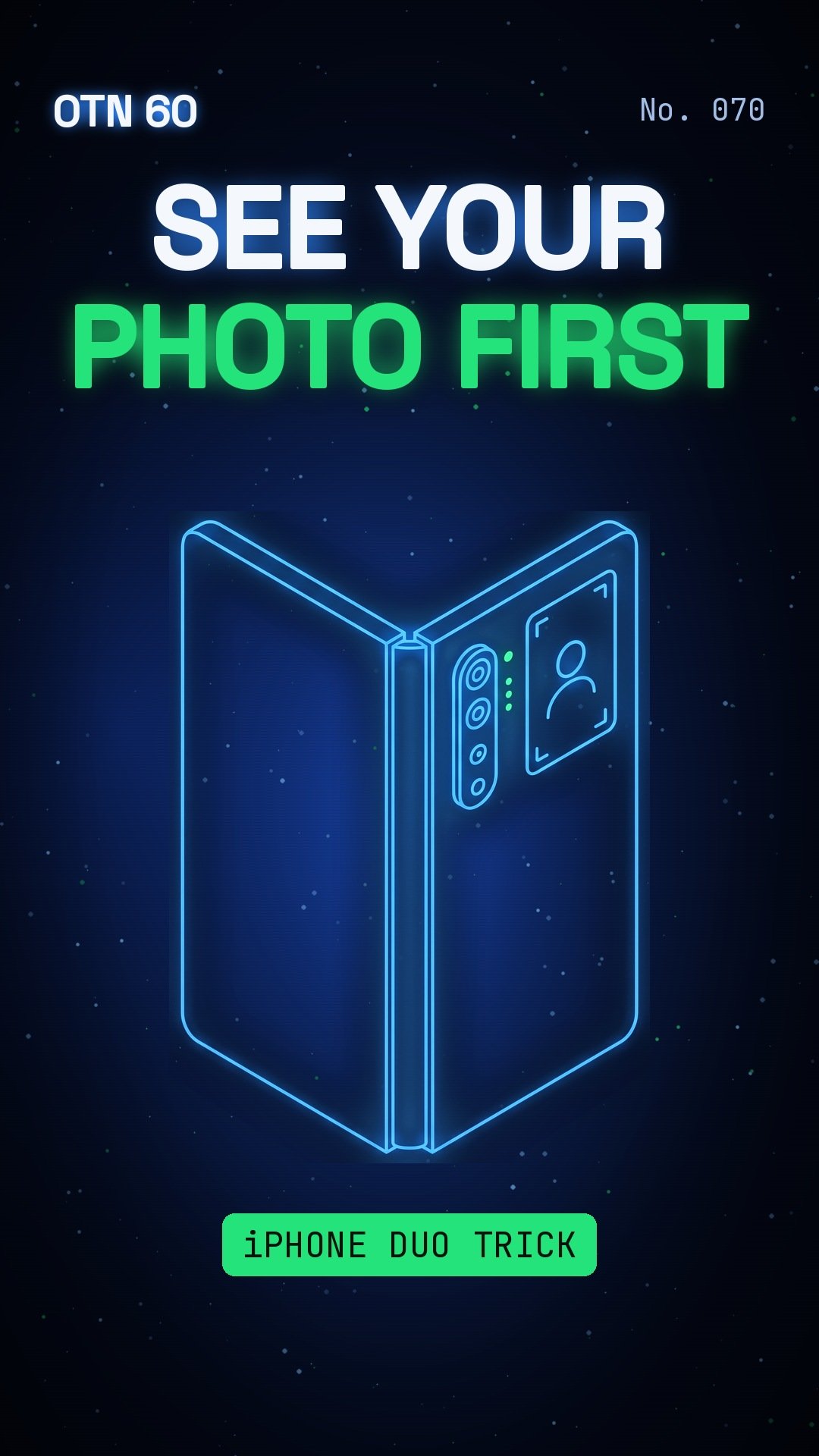
The iPhone Duo shows people their photo first.
By Gene B. Geraissati, Founder & Tech Curator | OTN 60 video
What happened
Apple’s foldable has a camera trick called Duo Preview. Unfold the phone, open the Camera, tap the Outer Display Options button at the top left, and choose Duo Preview. The outside screen then shows a live, mirrored view to the person you’re photographing.
Why it matters
No more let me see it, and no more retakes. Your friend can fix their hair or their pose before you shoot, and it works for video too. You can take the shot with the shutter, a volume button or Camera Control.
OTN take
Our take: this is an official feature, explained in a MacRumors how-to. It’s small, but it makes portraits and group photos much easier. If you own a Duo, turn it on before your next photo with friends.
More headlines every day on the OTN Live Wire.
Sources
Video images: OTN / AI-generated with Google Flow.
Editorial transparency: This article was drafted with generative AI under personal editorial direction. On Tech Now is responsible for its final review, accuracy and publication.