
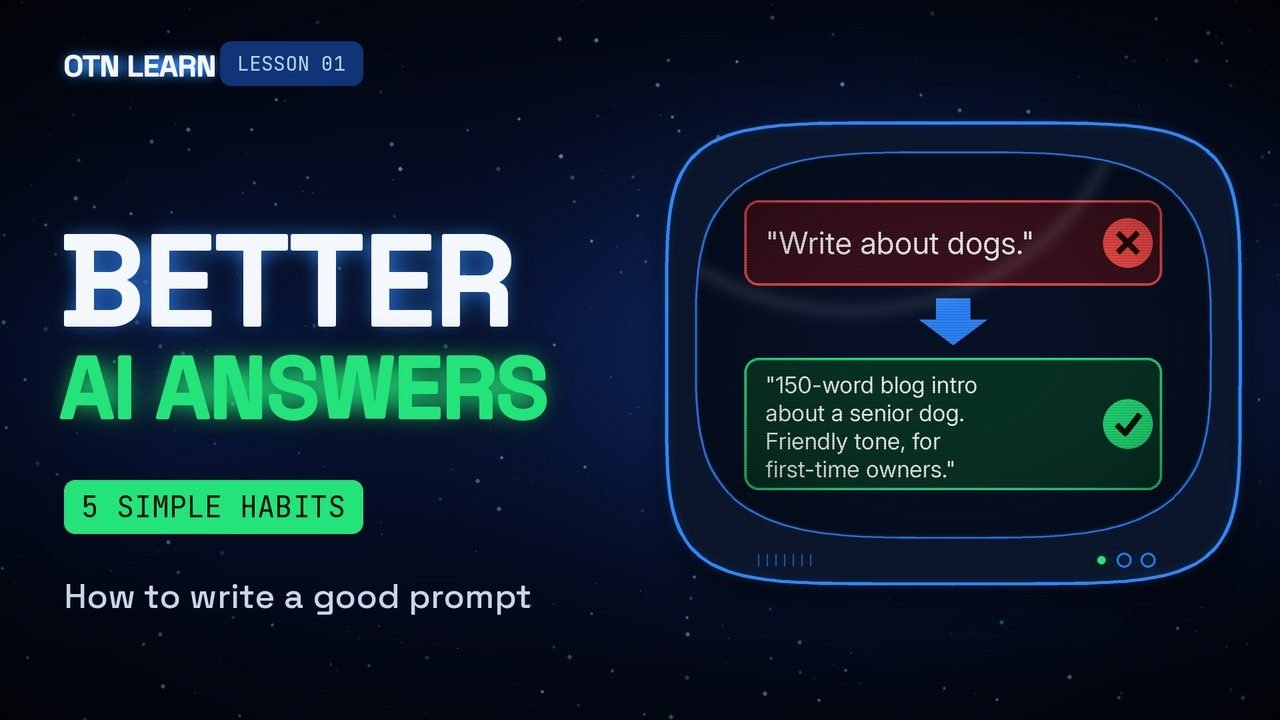
Five simple habits that turn a vague question into a useful answer, in any AI chatbot.
By Gene B. Geraissati, Founder & Tech Curator | Tutorial
AI chatbots like ChatGPT, Gemini and Claude can write emails, plan trips and explain almost anything. But the answer you get is only as good as the message you type. That message is called a prompt. This is the full written version of OTN Learn lesson 01, with every example from the video, so you can copy them and try them yourself.
Key takeaways
- A prompt is simply the message you type to an AI chatbot: your question or your request.
- Five habits make a big difference: be specific, give context, ask for a format, show an example, and keep the conversation going.
- The three most common mistakes: prompts that are too short, too many requests at once, and trusting every answer.
- The golden rule: goal + context + format = a better answer.
What you need
A free account on any AI chatbot (ChatGPT, Gemini, Claude or similar) and a few minutes. Nothing to install, no special words to learn. Everything below works in plain everyday language.
Step 1: Say exactly what you want
The AI cannot read your mind. A short, vague request forces it to guess, and guesses are usually generic. Say what you want done, for whom, and what the result should be.
Vague: “Help me with my email.”
Specific: “Write a short, polite email asking my landlord to fix the heater.”
The second version tells the AI the type of message, the tone, who it is for and what it should ask. You will get something you can actually send.
Step 2: Give some context
Tell the AI who you are, who the result is for, and why you need it. Think of it like briefing a new coworker: they are smart, but they don’t know your situation yet.
Instead of: “Write a menu.”
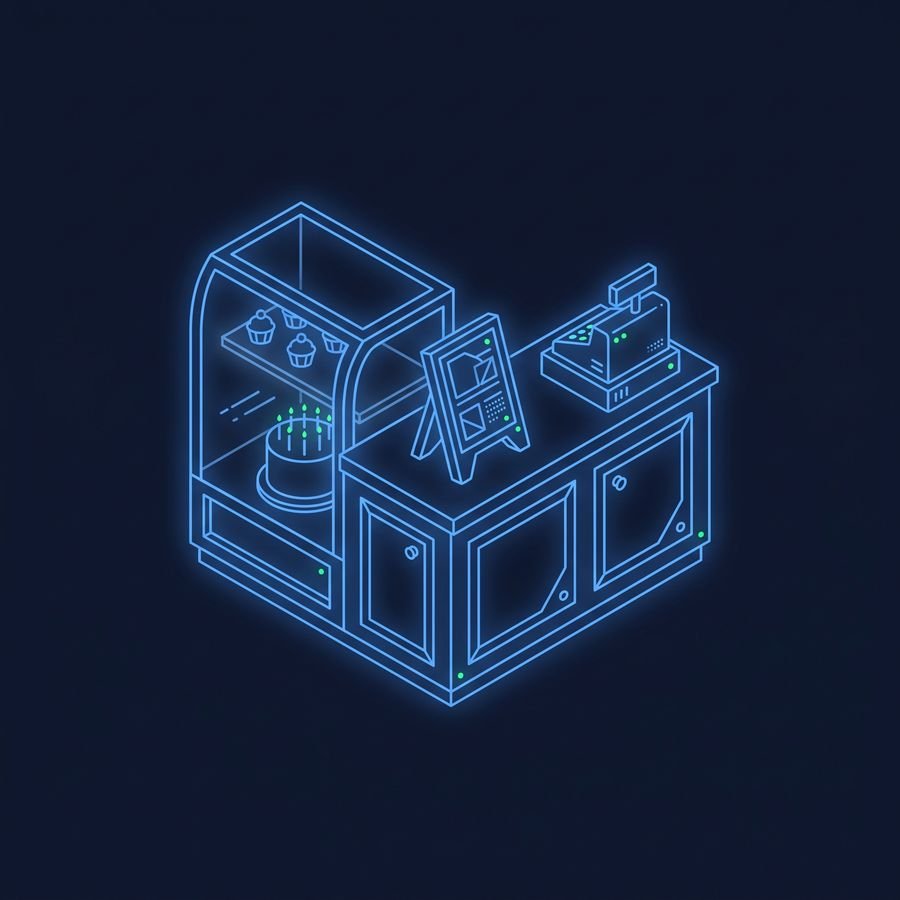
Try: “I run a small bakery, and I need a menu for a kids’ birthday party.”
A few words of context are often enough. Good things to mention: your role, your audience, your goal, and anything the AI should avoid.
Step 3: Ask for a format
Do you want a list, a table, three short options, or a paragraph you can paste into a text message? Say it. Also say the length and the tone you want: friendly, formal or funny. If you don’t ask, the AI picks for you.
Try this: “Give me three options, as a table, under 100 words each, in a friendly tone.”
Step 4: Show an example
If you want something written in a certain style, paste a sample and say “write it like this.” One good example often works better than a long explanation of what you mean.
Try this: “Here is a post I liked: [paste it]. Write a new post about our weekend sale, in the same style.”
Step 5: Don’t stop at the first answer
A chatbot remembers the conversation, so you don’t need to start over. Short follow-ups are how you get great results:
- “Make it shorter.”
- “Add a joke.”
- “Try again, but simpler.”
- “Use a warmer tone.”

Three common mistakes
- Prompts that are too short. The AI has to guess, and you get a generic answer.
- Asking for ten things in one message. Split big jobs into smaller steps, one per message.
- Trusting every answer. AI can sound sure and still be wrong, so double-check facts, numbers and names. Lesson 02 shows you how.
Before and after: putting it all together
Before: “Write about dogs.”
After: “Write a 150-word blog intro about adopting a senior dog. Friendly tone, for first-time owners. End with one tip.”
Same tool, a much better answer. The second prompt has a clear goal (a blog intro about adopting a senior dog), context (first-time owners) and a format (150 words, friendly tone, ending with a tip).
The golden rule
OTN verdict: you don’t need special tricks or secret words. Clear, everyday instructions work best.
Goal + context + format = a better answer.
Watch: our video on how to write a good prompt
Methodology
This lesson is based on the official prompting guides published by OpenAI, Anthropic and Google, listed in the sources below. The examples were written by OTN to work in any of the major chatbots. Results can vary between apps and versions, so if one prompt doesn’t work, rephrase it and try again.
FAQ
Do I need to pay for an AI chatbot to use these tips?
No. Every habit in this lesson works on the free versions of ChatGPT, Gemini and Claude.
Do I need to write in perfect English?
No. Chatbots understand everyday language and small typos. Being clear matters much more than being perfect.
Is a longer prompt always better?
Not always. A prompt should be as long as it needs to be: a clear goal, some context and the format you want. Extra detail that doesn’t help can be left out.
What should I do if the answer is still not good?
Tell the AI what is wrong, in plain words: “too formal”, “too long”, “you missed the price”. Or start a new chat with a clearer prompt.
Next lesson
Lesson 02 shows how to check if an AI answer is right. Find every lesson under our Tutorial tag.
Sources
- OpenAI Help Center – Prompt engineering best practices for ChatGPT
- Anthropic – Prompt engineering overview
- Google Workspace – Writing effective AI prompts
Images: OTN / AI-generated with Google Flow.
Editorial transparency: This article was drafted with generative AI under personal editorial direction. On Tech Now is responsible for its final review, accuracy and publication.